Configuration Options
DIP Switch
|
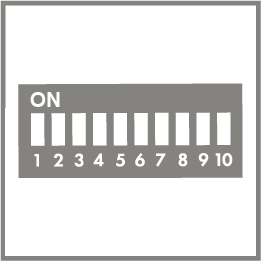
Use the DIP switches to configure the parameters directly on the product.
When delivered, all DIP switches are in position 0.
Additional information about the DIP switches is available at:
Interface Configuration Software
|
Use the interface configuration software on a PC to configure the product.
Communication happens via the WAGO USB Service Cable (Item Number 750-923) or WAGO Bluetooth® Adapter (Item Number 750-921).
For additional information about the interface configuration software, visit www.wago.com.
Interface Configuration App
|
With the JUMPFLEX® ToGo interface configuration app, you can use a smartphone or table to configure the parameters.
The service interface is used for communication between the smartphone/tablet and the product via the WAGO Bluetooth® Adapter (Item Number 750-921).