Side Menu
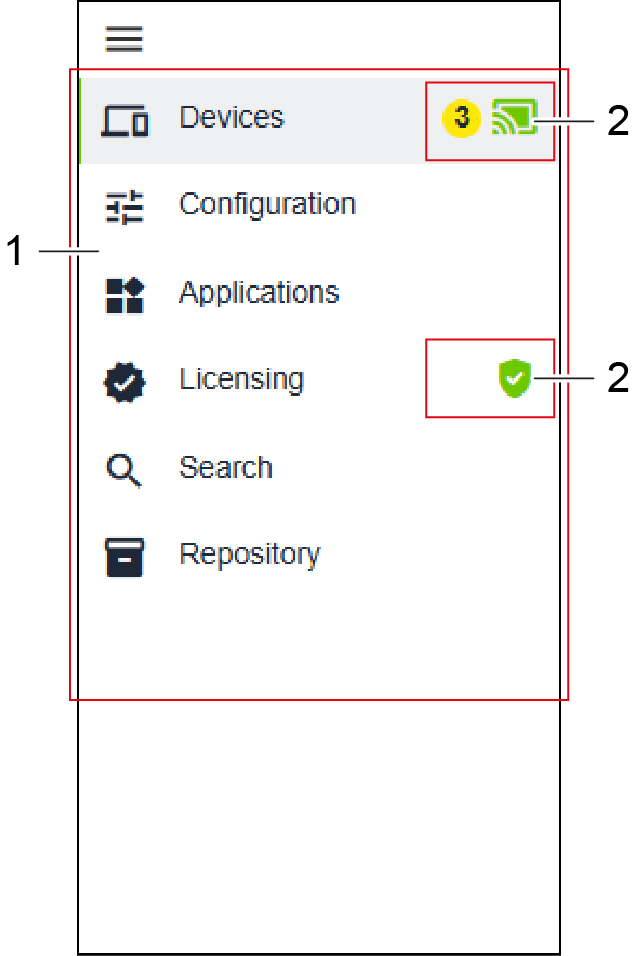
The side menu is used for navigating through the individual menu items. In addition, it shows various messages that can arise depending on the state.
The side menu has the following structure:
Position | Designation | Description | |
|---|---|---|---|
1 | Menu Items | Shows all selectable menu items. Depending on the menu item selected, a specific workspace appears. You can find further information in 8 Workspace. | |
2 | New Messages | Shows incoming messages. The corresponding tooltip appears when the mouse hovers over the message. Clicking on it navigates to the corresponding location in the graphical user interface. | |