“Add User” Dialog
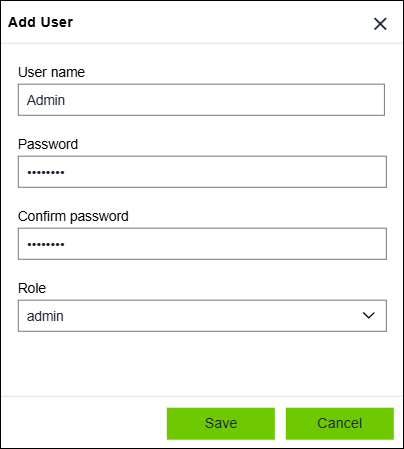
Designation | Description | |
|---|---|---|
Username | Enter the username here | |
Password | Enter the password here | |
Confirm password | Reenter the password here | |
Role | Select the role: | |
viewer | Default user who can open and edit projects. | |
editor | Identical to the “viewer” role; can also create new projects and manage the repository. | |
admin | Identical to the “editor” role; can also make system settings, such as managing users. | |