Installing the WAGO Solution Builder Plug-in in CODESYS
- The CODESYS development environment must be installed (SP19 or above, Patch 7 and higher).
- The WAGO Solution Builder Package software must be installed, or the “Solution Builder” add-on must have been downloaded from the WAGO Download Center.
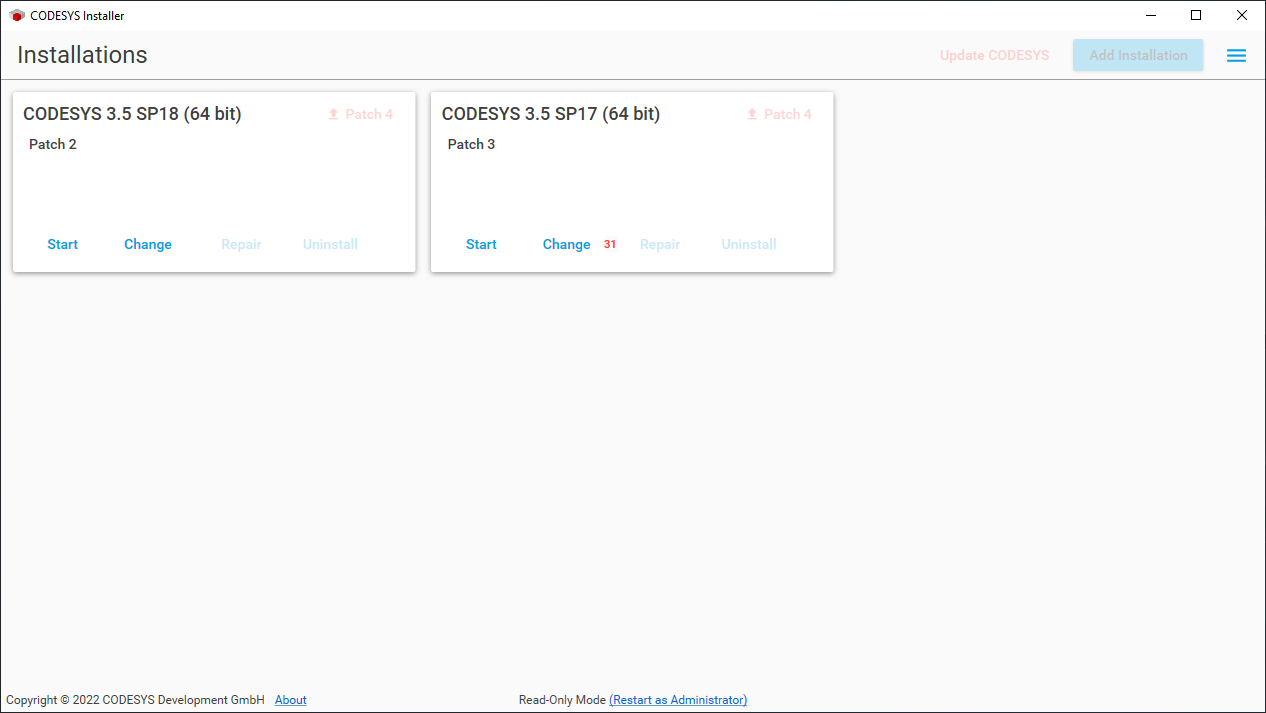
- As administrator, open the CODESYS installer.
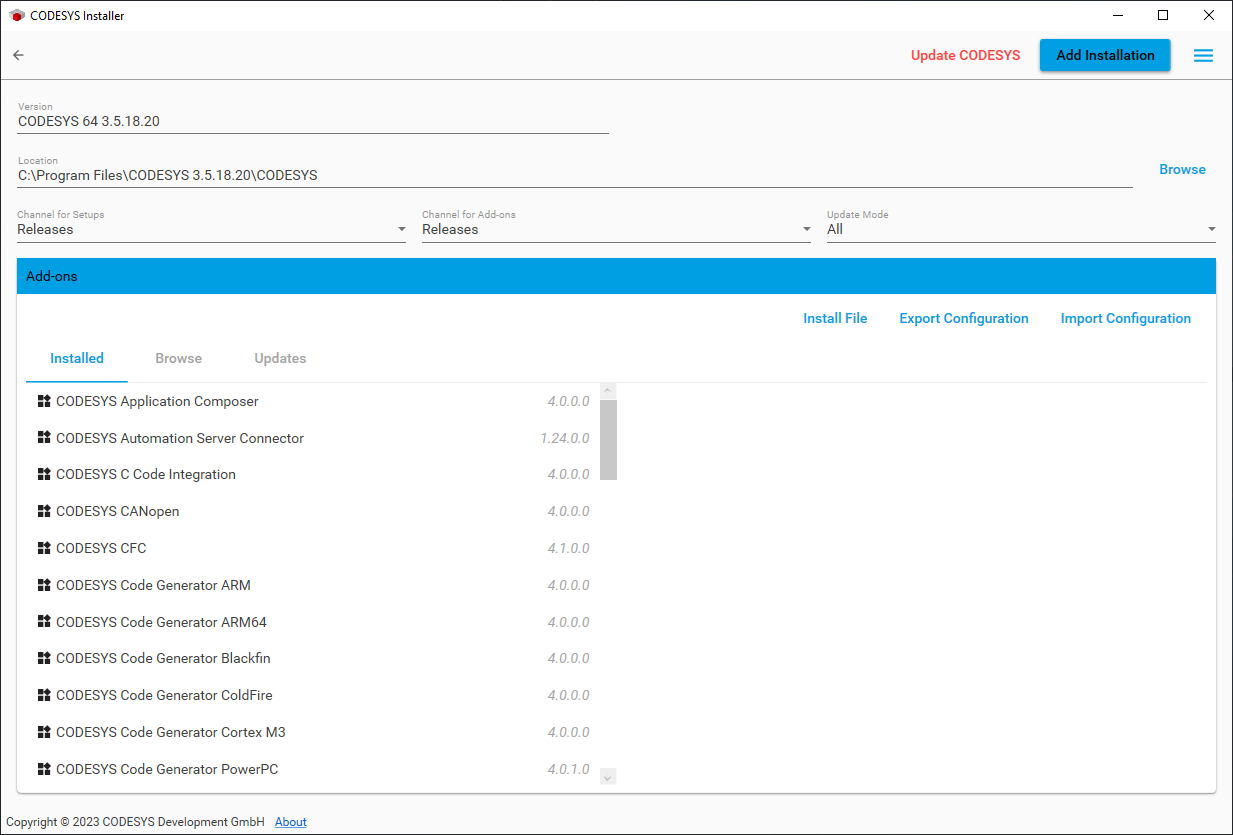
- Select the CODESYS installation for which you want to install the WAGO Solution Builder Plug-in software and click [Change].
- Click [Install File] to select the WAGO Solution Builder Package software directory containing the installation file for the WAGO Solution Builder Plug-in software.
- The WAGO Solution Builder Plug-in is saved in the Windows Documents directory by default together with the WAGO Solution Builder Package software: C:\Users\<USERNAME>\Documents.
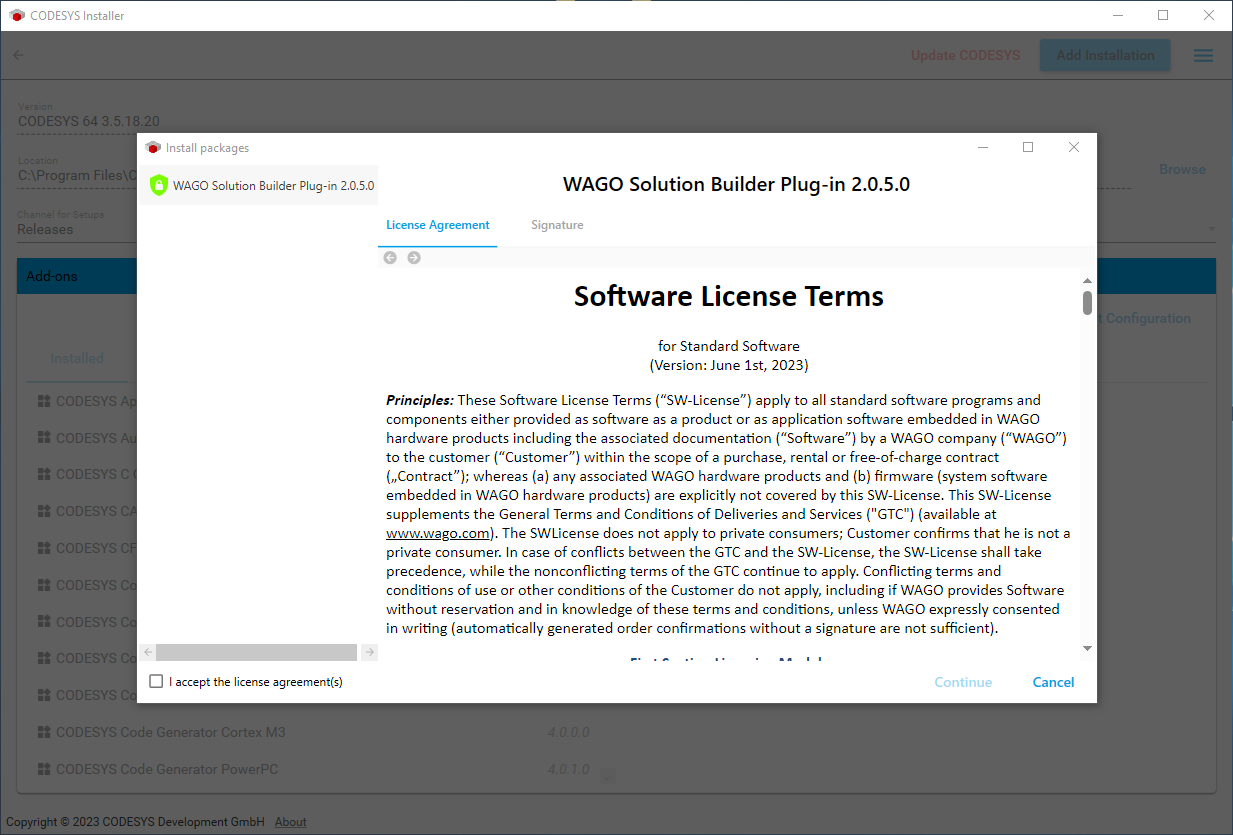
- Accept the WAGO Software License Agreement and click [Continue].
- The installation process starts.
- Finally, verify that the WAGO Solution Builder Plug-in software is listed under “Add-ons.”
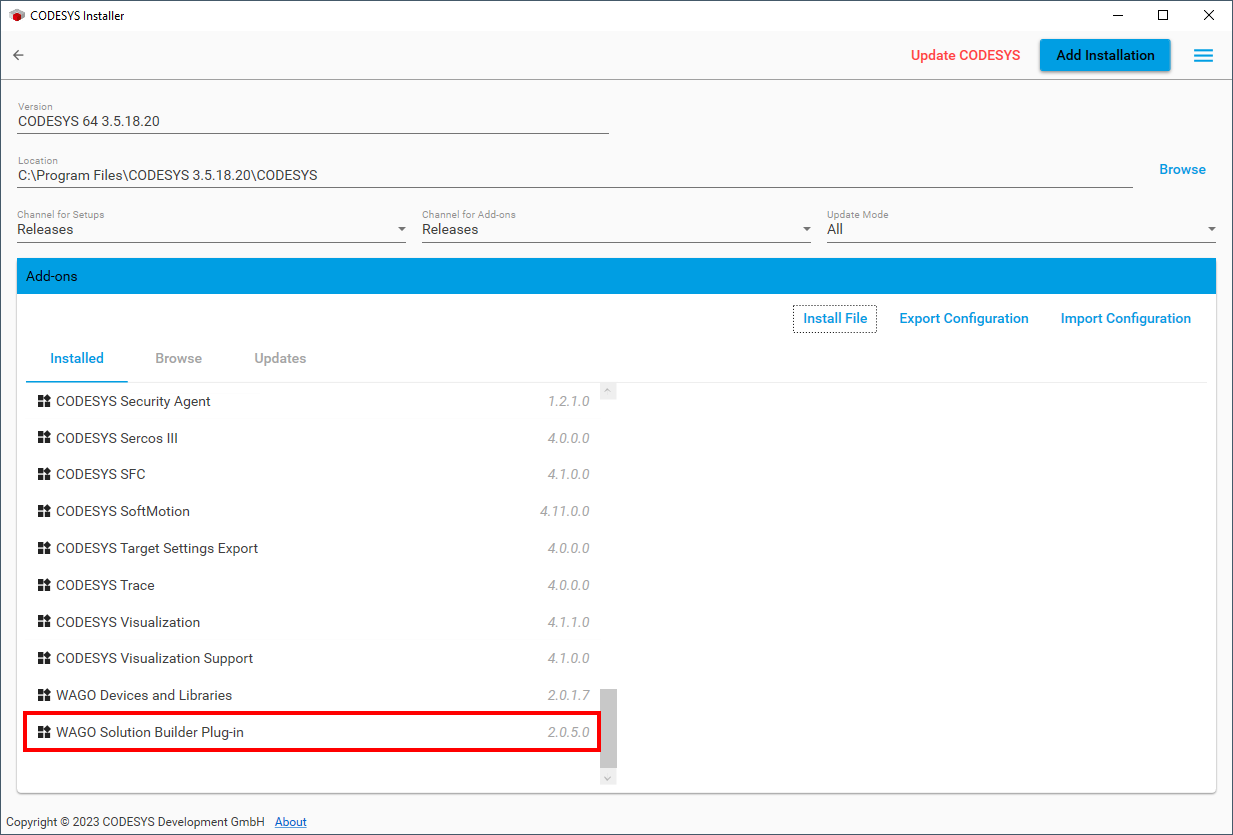
- The WAGO Solution Builder Plug-in software has been successfully installed.