“SETTINGS” Tab
On the “SETTINGS” tab, selected controller settings from Web-Based Management can also be made for one or more devices directly on the Software user interface.
This tab appears only when the “Controller“ entity is selected.
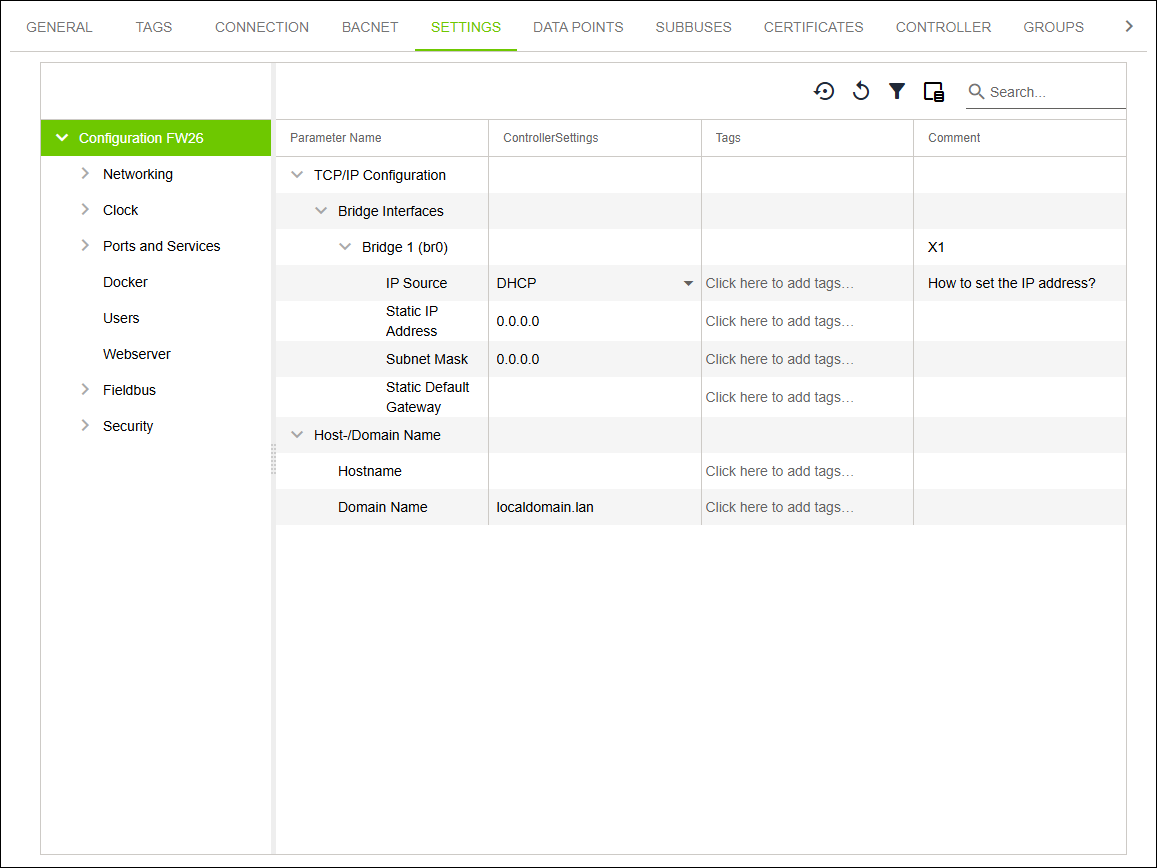
Designation | Description | |
|---|---|---|
Parameter Name | Displays the name of the setting (see “WBM“ Tab). | |
ControllerSettings | Shows the target value of the parameter. Note: Note: | |
Tags | Shows the tags of parameters. | |