“Restore” Dialog
You can use the “Restore” dialog to restore controller backups. The dialog shows all backups saved in the WAGO Solution Builder software for the selected controller. The dialog differs depending on whether one controller or multiple controllers are selected.
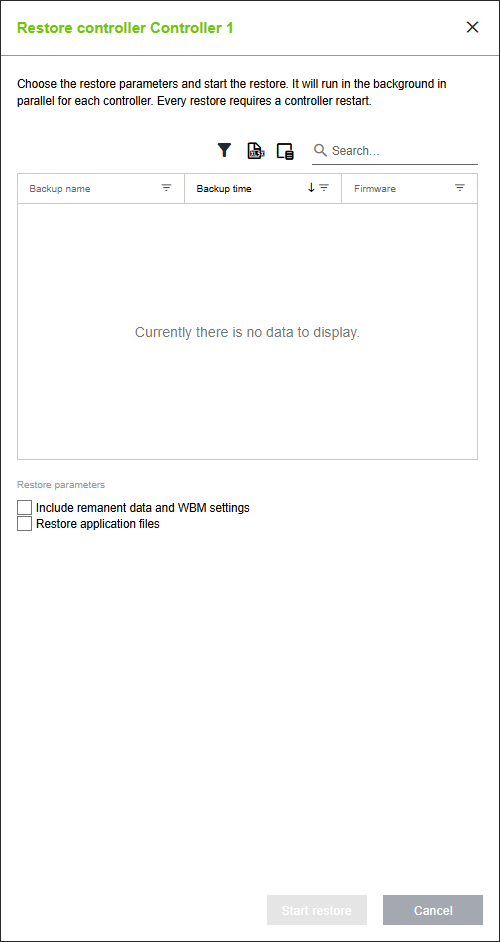
Designation | Description |
|---|---|
Backup name | Name of the backup |
Backup time | Creation time of the backup |
Firmware | Firmware of the backup |
Including remanent data and Web-Based Management System settings | If this box is checked, remanent data and WBM settings are included in the restore. This requires a restart of the controller runtime. |
Restore application files | If this box is checked, all application files that are backed up regularly are restored to the controller. The backup is performed automatically as long as a controller is online. This setting can also be used without a backup file. |