Entity Tree
The following menu items of the side menu possess a structure tree within the action area for selecting an entity.
- “Configuration” Menu Item
- “Applications“ Menu Item
- “Cross-Communication“ Menu Item
- “Validation“ Menu Item
- “Network“ Menu Item
- “Documentation“ Menu Item
- “Filter“ Menu Item
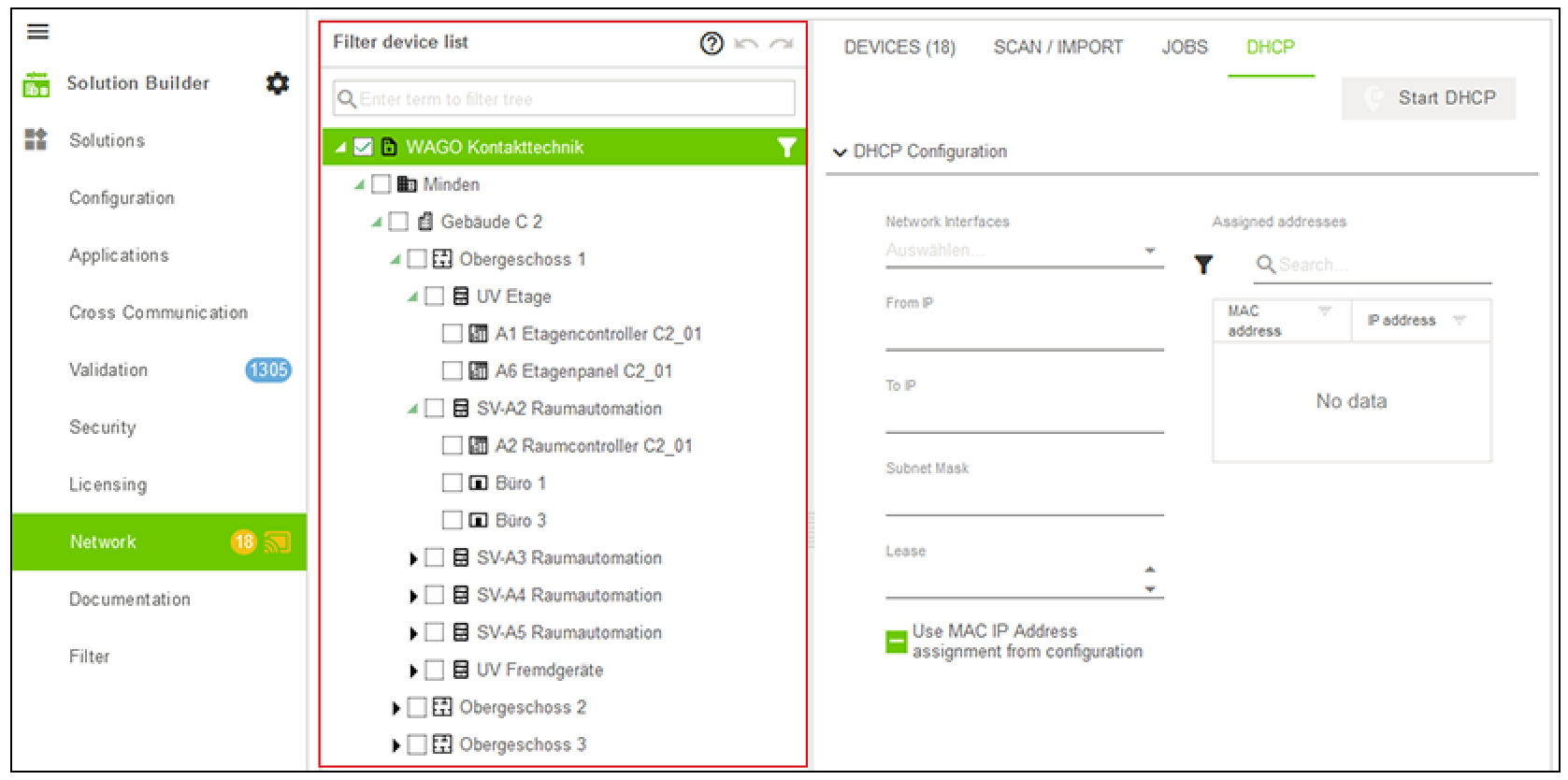
Some available entities are listed below with their associated icons for the example of the “DE_TFMA VDI3814-BL4-1” addressing system supplied with this product.
Icon | entity |
|---|---|
| Attachment |
| Application instance |
| Automation focal point |
| Equipment |
| Controllers |
| Third-party controller |
| Data point |
| Floor |
| Buildings |
| Building system |
| Property |
| Room |
| Solution |
| Aggregate |
| Controllers |
| Application Definitions |
| Application Definition |
| Module |


 Note
Note
Freely configurable entity representation
The entities shown here serve only as examples. With the editor, detailed settings can be made, and an entity’s icon can be customized (see Structure Editor).